Architectural animation and walkthroughs
Move through a building before it exists. Flythroughs and walkthroughs rendered from the same model as your stills, so every frame matches the approved design.
Formats
Three ways to show movement
Exterior flythrough
Site, massing and arrival
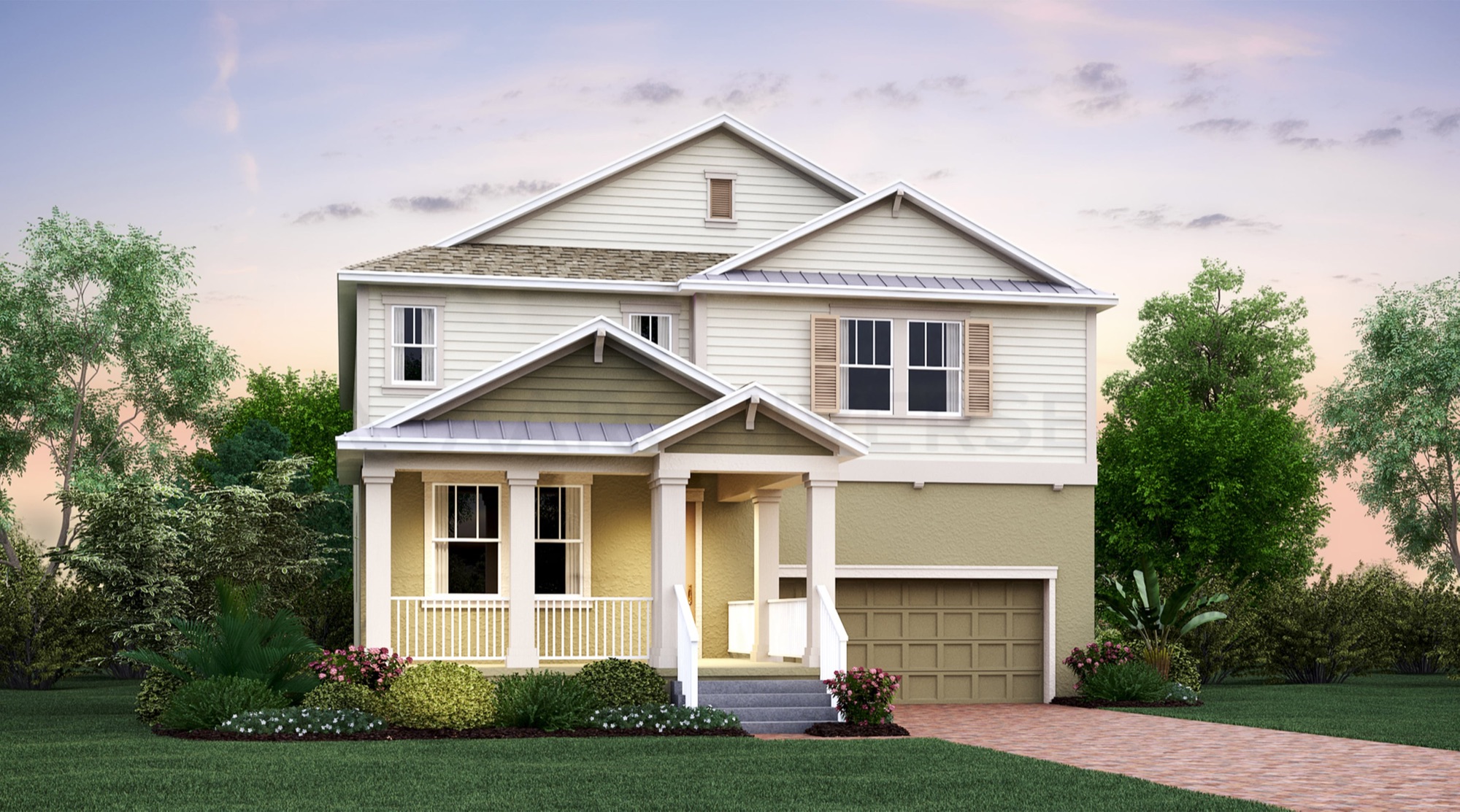
A camera path over and around the building, showing context, landscape and the approach.
Interior walkthrough
Room to room at eye level
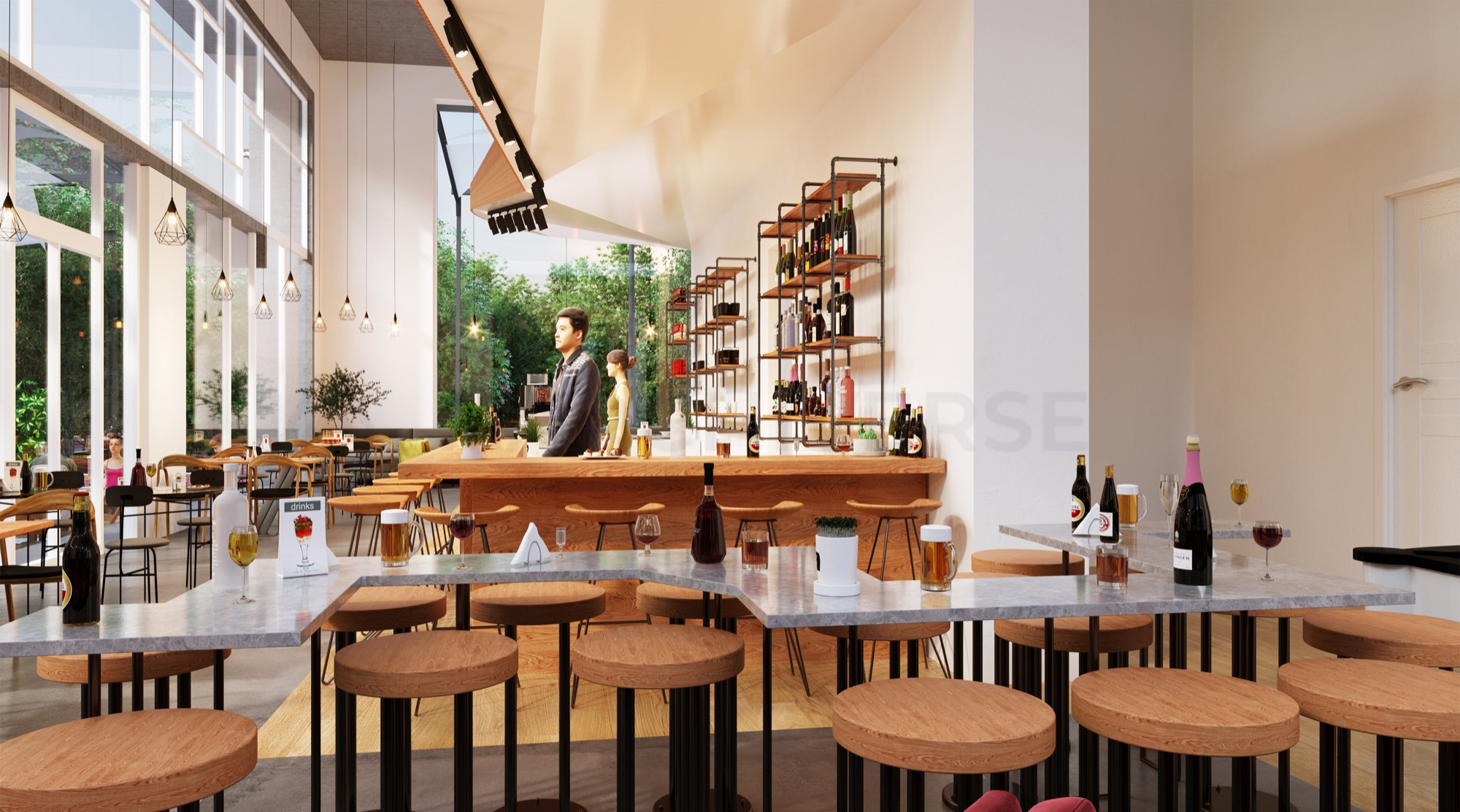
A walk through the key spaces with real materials, daylight and furniture.
360° virtual tour
The viewer steers
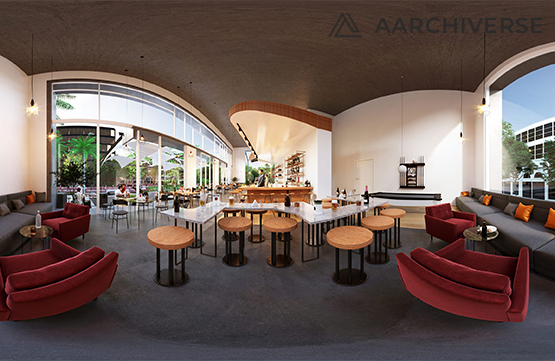
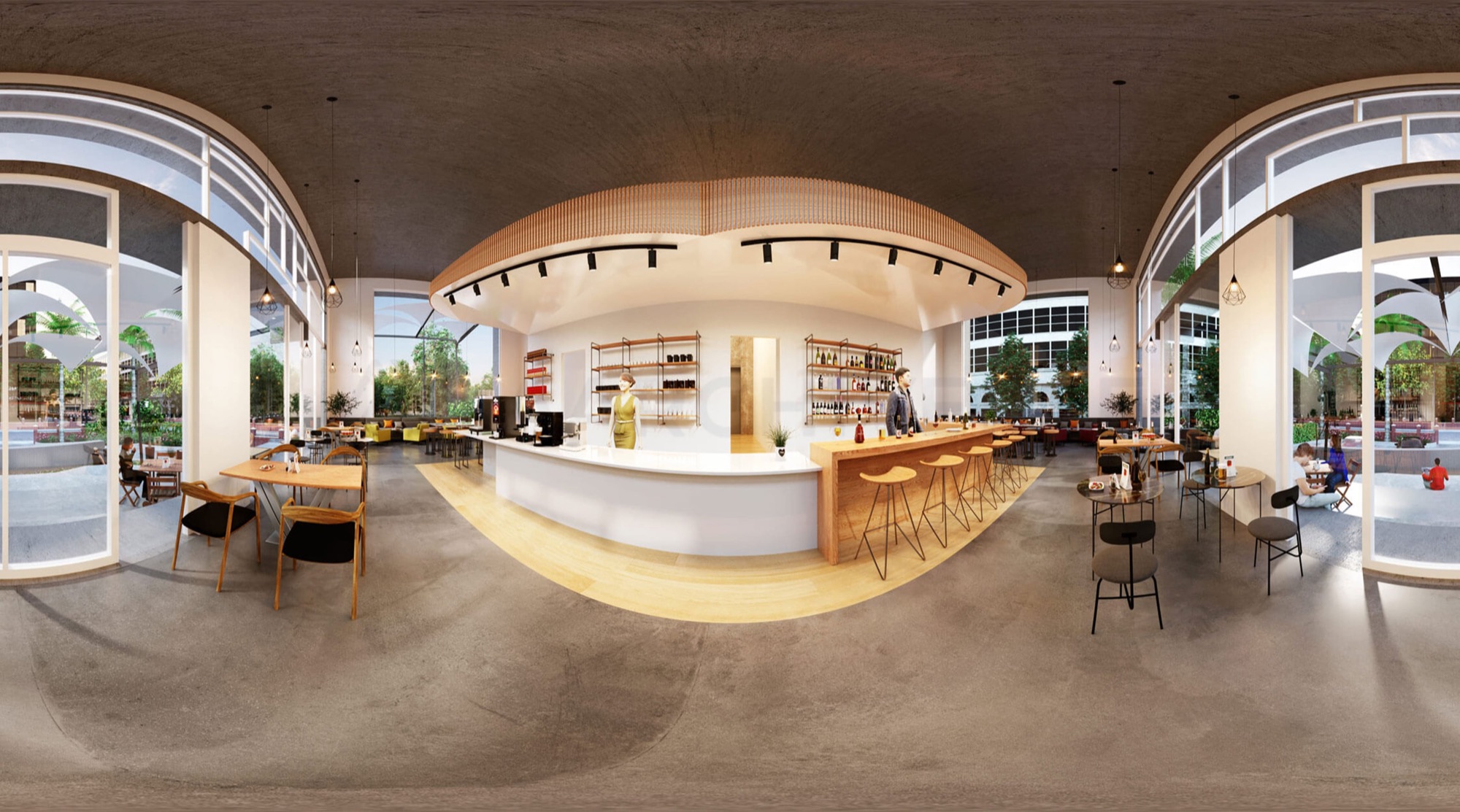
Linked panoramas buyers explore on a phone or VR headset. See 360° rendering.
How an animation is made
- Storyboard. We agree the camera path, key moments and running time as still frames.
- Model and materials. The same model used for your stills, detailed for close camera moves.
- Preview. A low-resolution cut to approve timing before the full render.
- Final render. Full HD or 4K, with music and titles if you need them.
Where animations are used
- Off-plan sales launches and property portals
- Investor and lender presentations
- Planning and community consultation
- Social media and site hoarding screens
Delivery
MP4 Full HDMP4 4KVertical cut for social360° panoramasStill frames
Pricing
Animation is priced by finished running time and the number of distinct scenes. See how rendering is priced or send your drawings for a fixed quote.